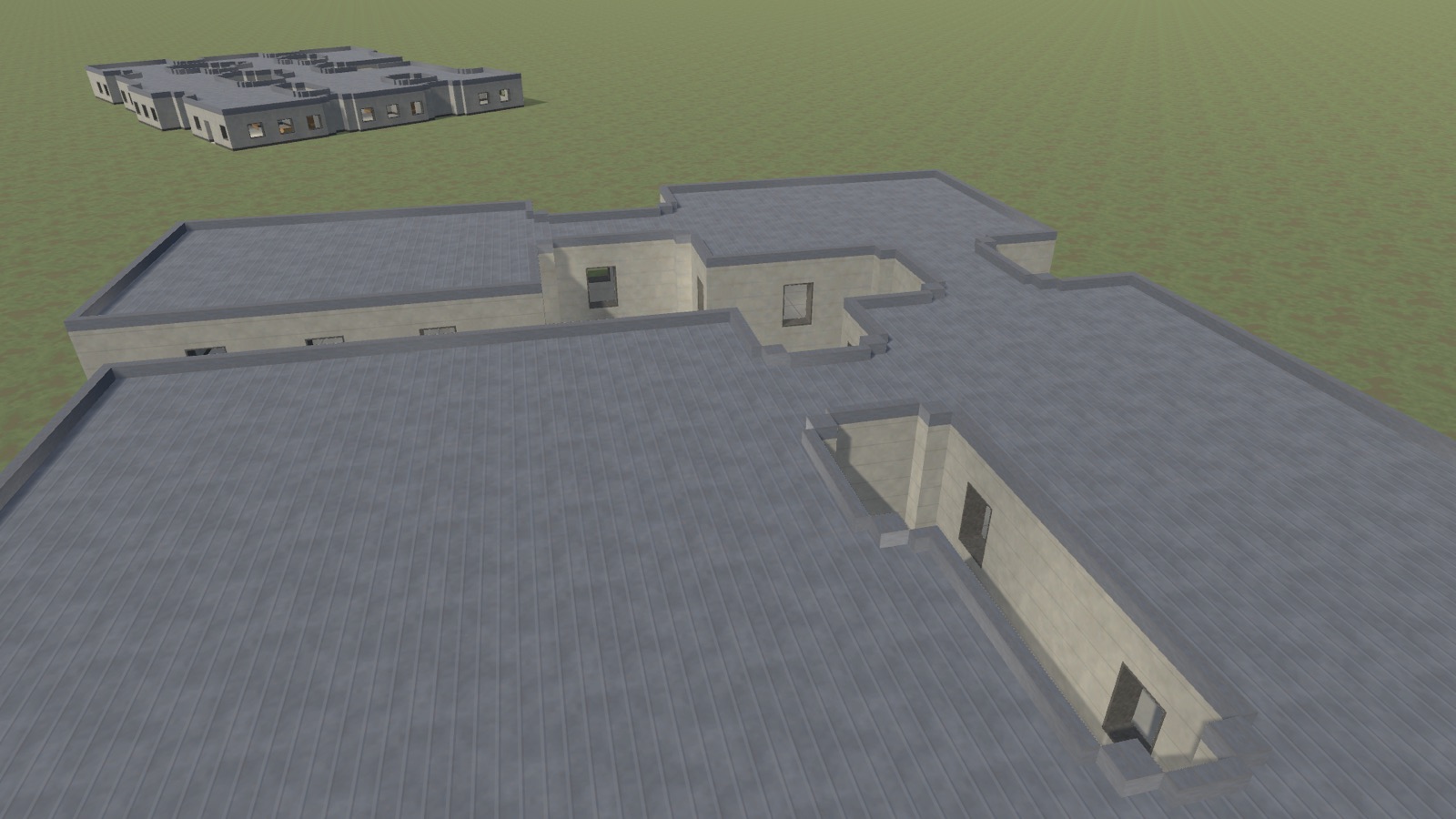
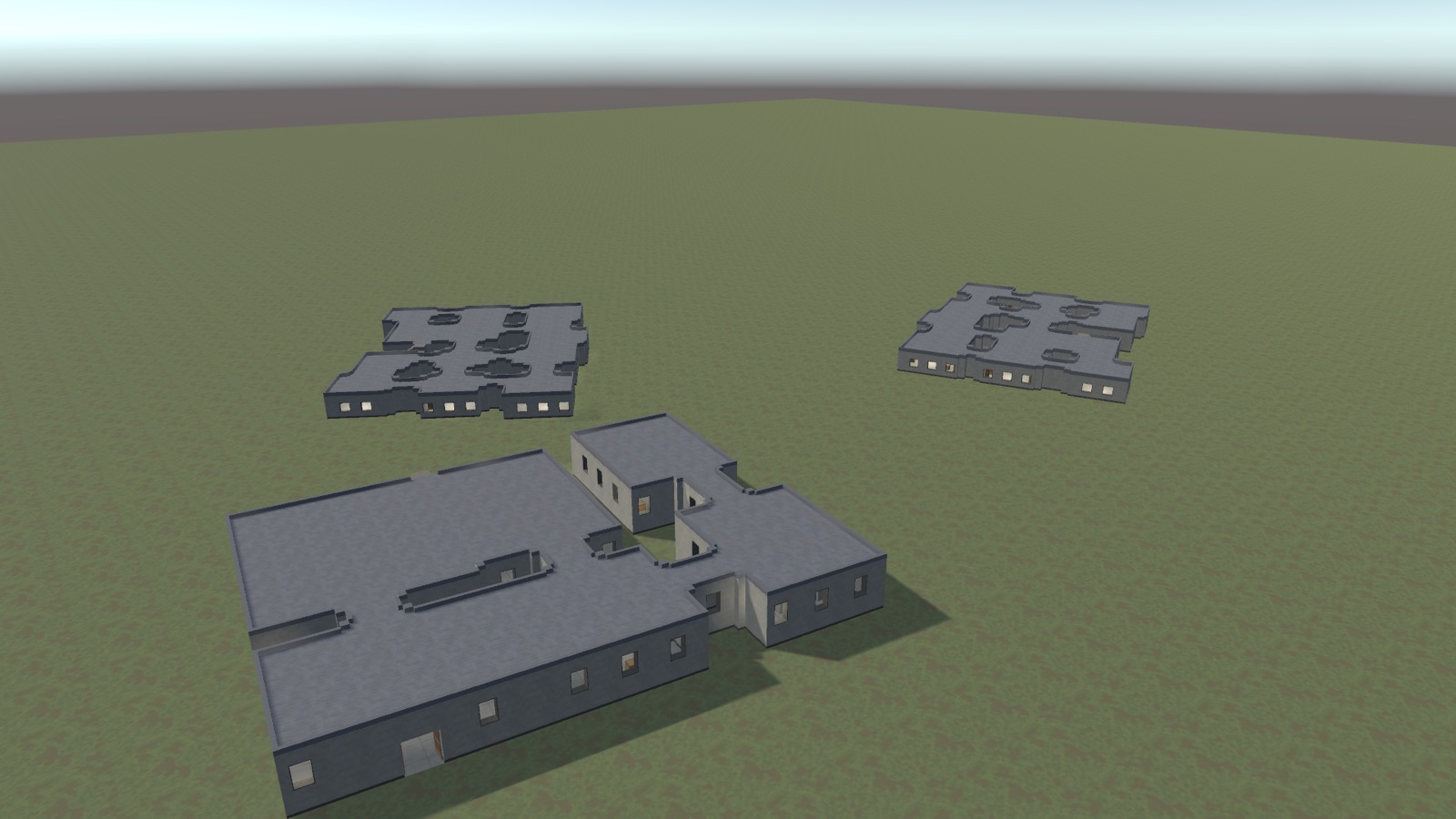
A procedural building and interior generator for Unity. Set a few numbers, and it builds a complete, walkable building - then hands it to you as an ordinary prefab you own outright.
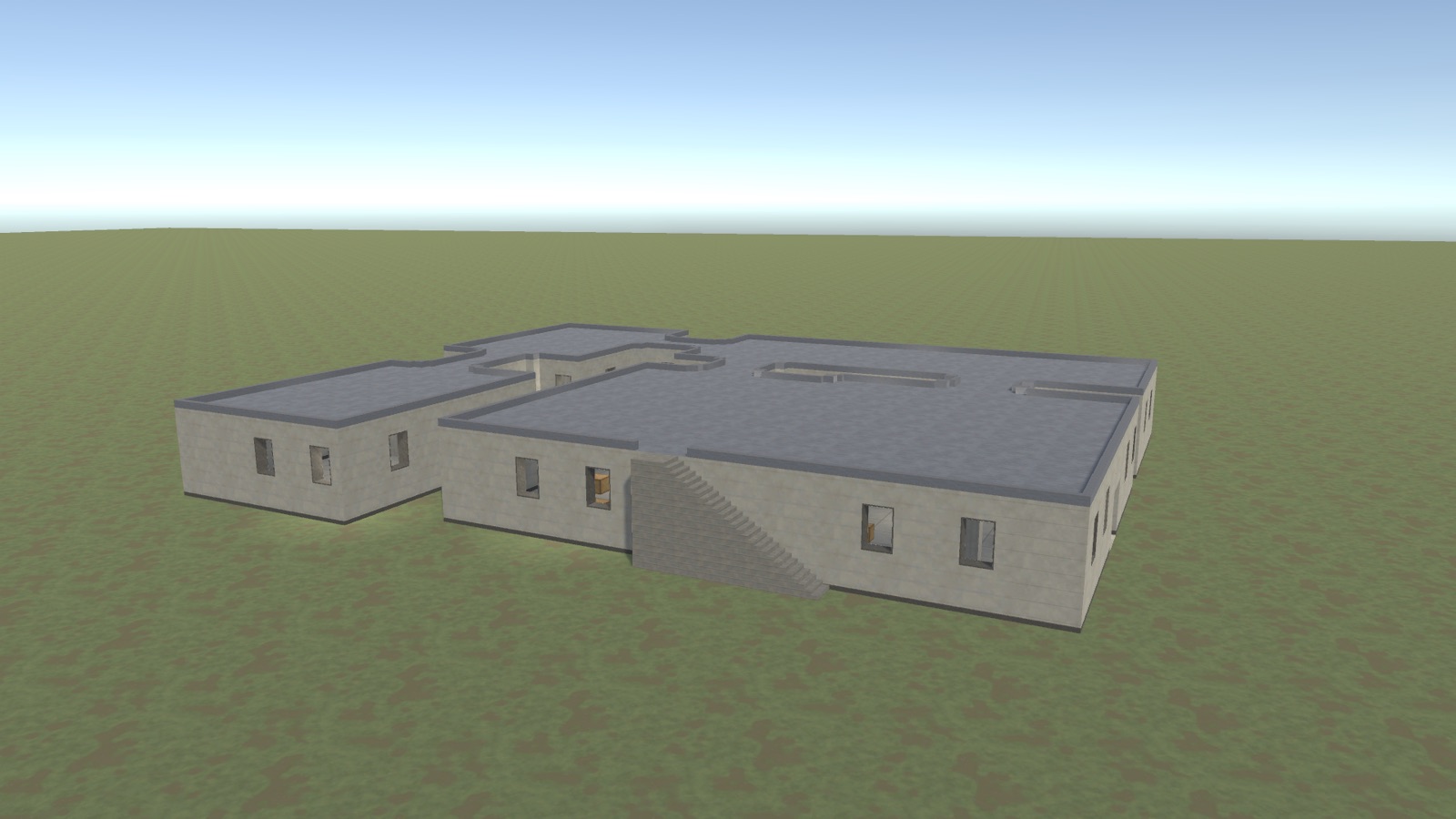
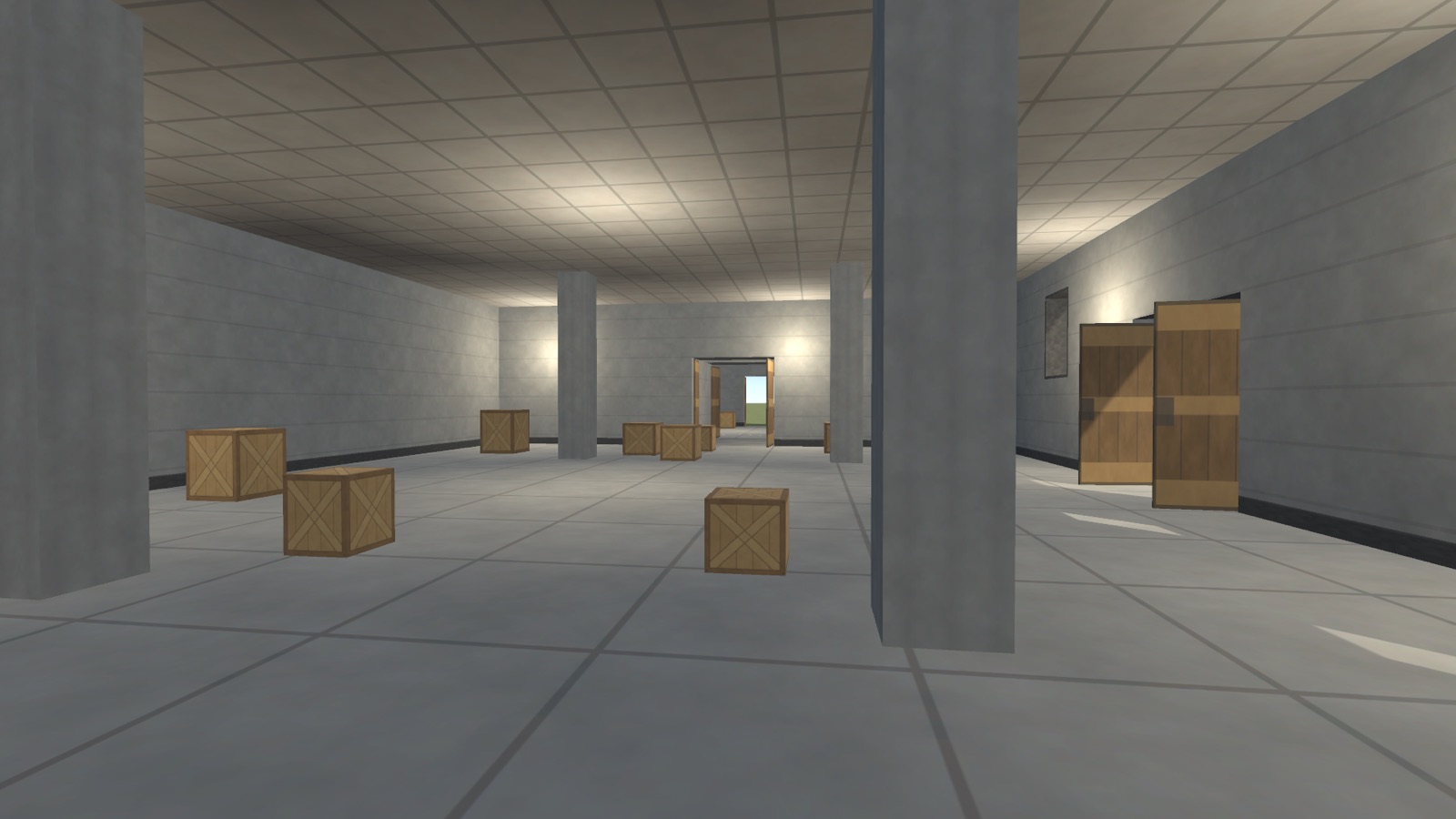
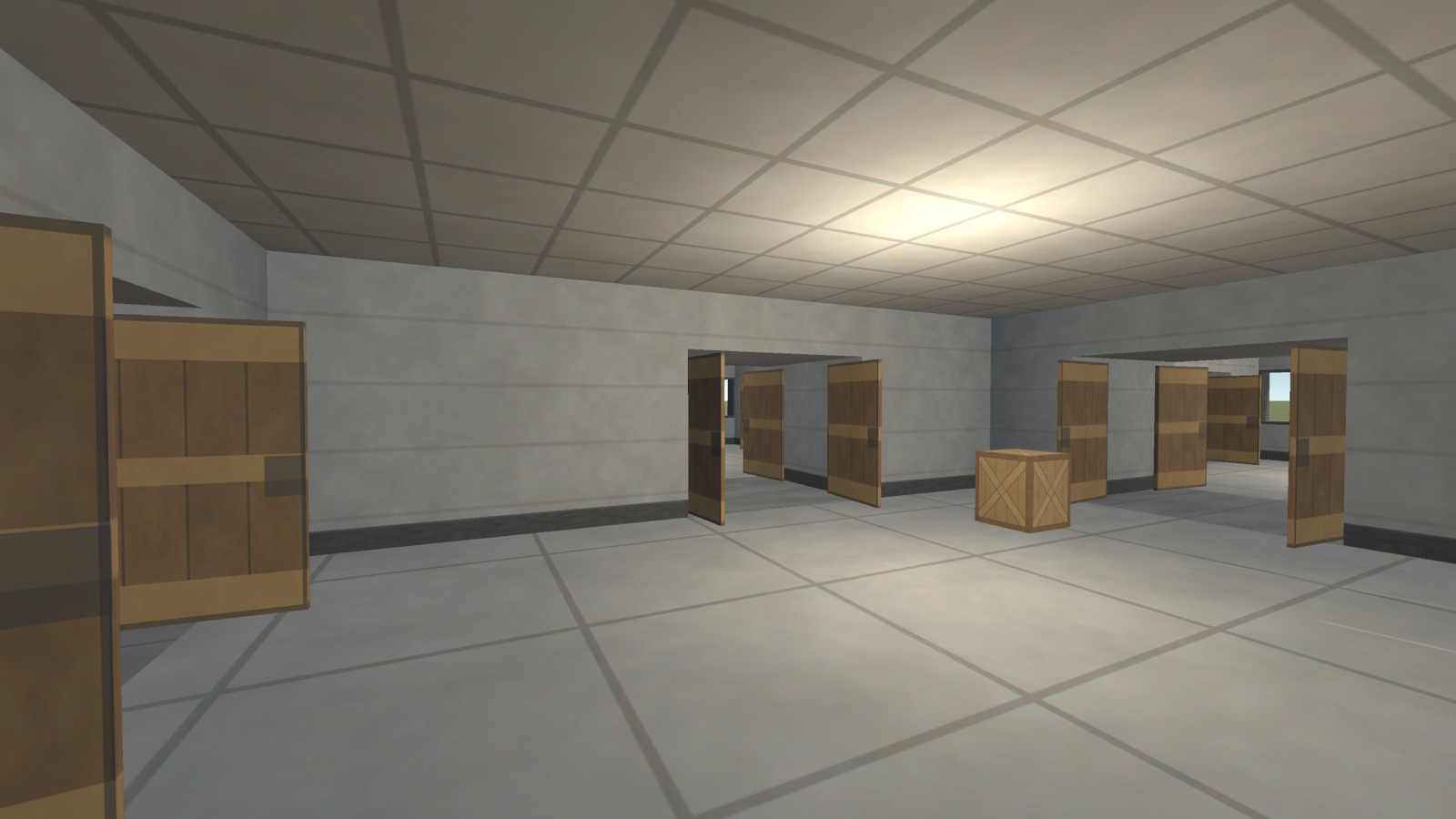
Nothing is instanced from supplied models. There are no prefabs to wire up and no meshes shipped with the tool: every triangle is produced at generation time from the settings you give it. That is what makes the output yours to change.
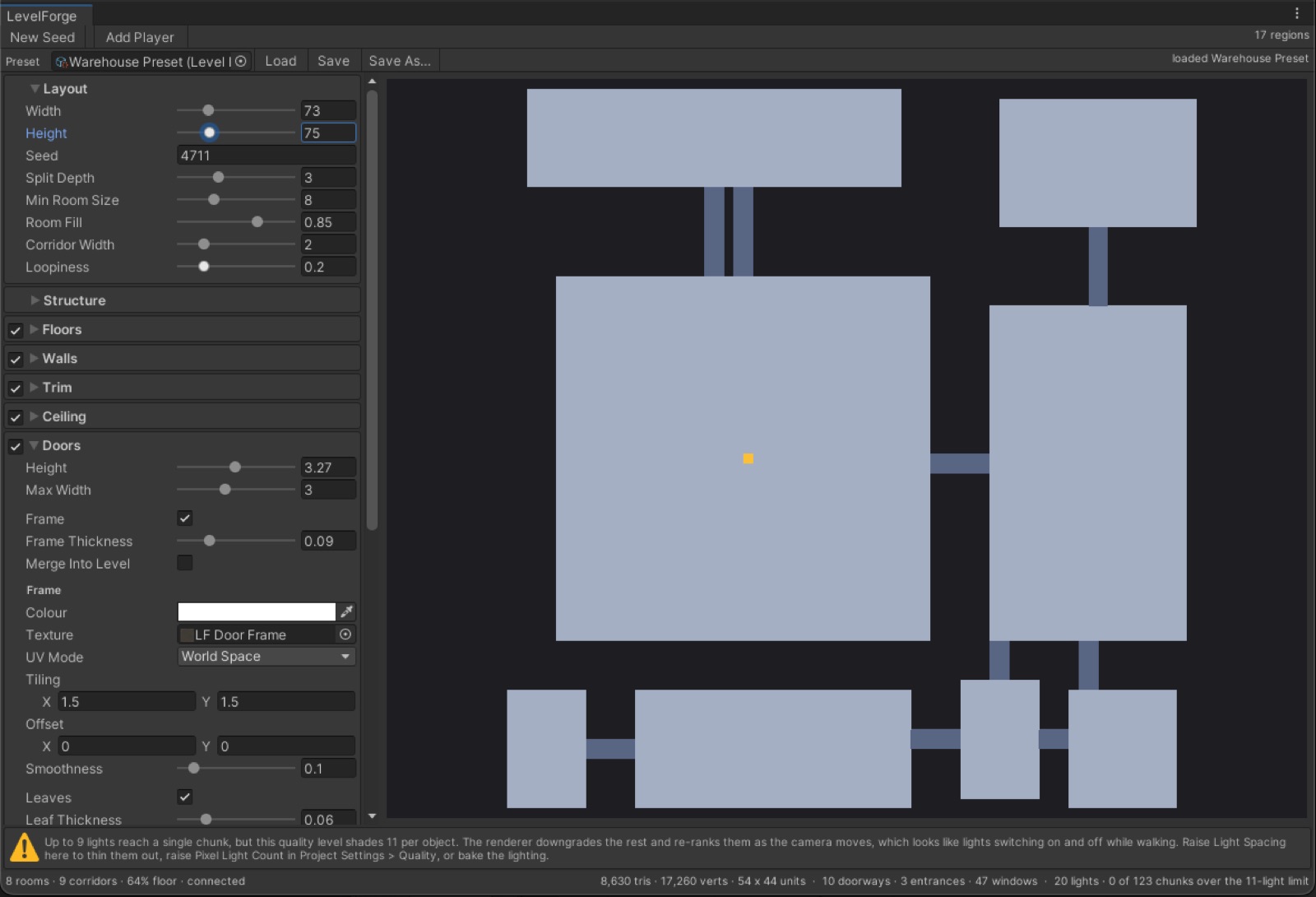
Every section header carries a checkbox that switches that part of the building on or off, so the column reads as a list of what the building is made of. Switching a part off greys its settings out rather than hiding them - a control that disappears is a control you cannot find again.
The status line reports what was built: room and corridor counts, floor coverage, whether the layout is connected, triangle and vertex counts, and the measured lighting load.
A building has to be assembled out of real GameObjects before it can be written to a prefab. LevelForge does that in a preview scene - the same private, never-drawn kind Unity uses for prefab editing - and closes it again as soon as the assets are written. Your open scene is never modified, not for a single frame.
The reason is that the scene belongs to the designer. Someone may have placed several buildings, moved, rotated and scaled each one, and arranged a level around them. A tool that rebuilt geometry in that scene could undo that work. So the rule is absolute rather than careful: LevelForge writes assets and nothing else.
This has a useful consequence. Because the buildings in your scene are prefab instances, saving a package again updates every one of them in place - positions, rotations and scales are preserved. Adjust a setting, press Save, and the whole scene follows.
| Unity | 2022.3 LTS (2022.3.62f2) and newer |
| Render pipelines | Built-in, URP and HDRP. Materials are converted to the active pipeline automatically. |
| Dependencies | None. No packages, no external assets. |
| Code | C#, fully namespaced, split into runtime and editor assembly definitions. |
| Documentation | A written manual, supplied as Markdown and as a PDF. |
| Included | A demo scene, two saved example buildings, thirteen textures and an optional walkthrough player. |
LevelForge is coming to the Unity Asset Store. If you have a question about whether it fits your project, ask me - I answer directly.
 Studioplus